Navigation menu
hello Guest

Administrator Manual
Where to locate administrator tools
Administrator tools help you manage the instructors, students, courses, and other administrator's profile, view enrollments, orders, vouchers, and enroll students and instructors in your organization. After login, click the My Library button.
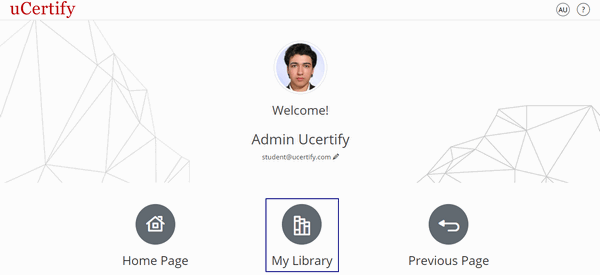
Figure 1.1: Welcome Page
Click the Administrator tab.
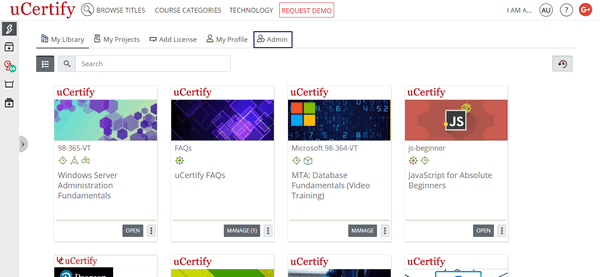
Figure 1.2: My Library Page with Admin Tab
On the Administrator page, you will see the following horizontal tabs:
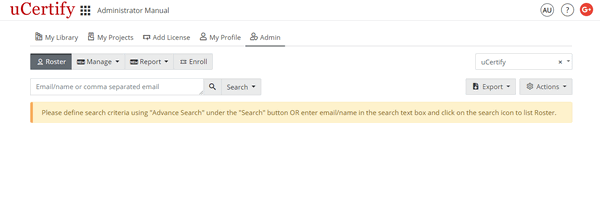
Figure 1.3: Admin Page
Figure 1.1: Welcome Page
Click the Administrator tab.
Figure 1.2: My Library Page with Admin Tab
On the Administrator page, you will see the following horizontal tabs:
- Roster
- Manage
- Report
- Enroll
Figure 1.3: Admin Page